
Use case
The hour before an interview is where it goes wrong
The hour before an interview is exactly long enough to lose track of the interview. It is a 10:00 video call, you were reminded at 09:00, and at 09:58 you were in something else entirely.
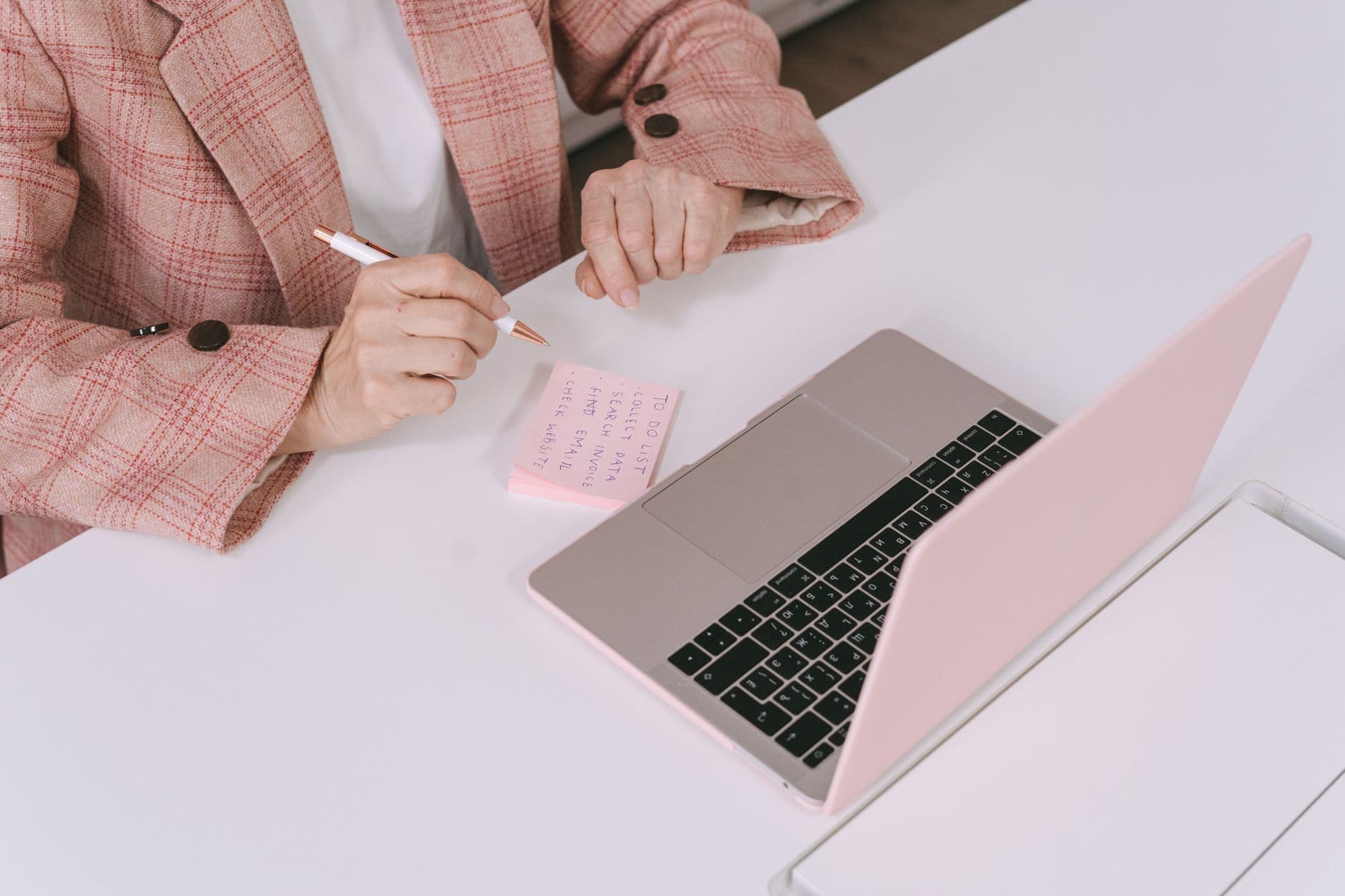
What goes wrong in the hour before
Nobody misses an interview by forgetting it exists. They miss the version of themselves who was supposed to show up to it.
The 09:00 reminder did its job and then vanished
You saw it. You knew. You started one more task at 09:35 because there was clearly time, and the task did what tasks do. There is no second prompt, because ordinary reminders fire once.
The link was in a different place
The invitation is in an email, the recruiter's number is in a text, and the name of who you are meeting is in a message thread. At 09:58 you are searching three apps instead of breathing.
You did not test the room or the connection
The camera, the microphone, the lighting, the door. All of it is a five-minute job that is only ever done at minute one, which is the minute it cannot be done in.
You were on time and unprepared
You arrived at 09:59 having read nothing since yesterday. The reminder never asked you to prepare, only to attend, so preparation was never on any list.
An interview needs two reminders, not one
One reminder answers the question "is it now?". That is not the question you need answered. The useful questions are "should I be stopping other work?" and "should I be in the chair?", and they happen at different times.
So set two. One an hour out, which is the one that ends your current task and starts your preparation. One ten minutes out, which is the one that puts you in the room with the link open and your notes in front of you.
In Timelee, that is a single reminder with two pre-alarms stacked on it. Pre-alarms come in eight preset offsets from 5 minutes up to 1 or 5 hours, and each one is a separate ring from the reminder itself, so you get both.
Put the link, the name and the questions on the reminder
Every reminder in Timelee takes a short note, and when a short note is not enough it has a rich detail page: formatted text, checklists, images, tables and drawings, autosaving as you write.
That is the right home for an interview. The joining link. Who you are meeting and their role. The three things you want to have said by the end. The two questions you intend to ask. The salary number you decided on when you were calm rather than the one you will improvise when you are not.
The reminder still rings — the detail is what you read when it does. Ten minutes before a call, having everything on one screen instead of in four apps is most of what composure actually is.
- A note on every reminder, and a full detail page when you need one
- Checklists, tables and images, saved as you type
- Attach the job advert as a picture so you can reread what they actually asked for
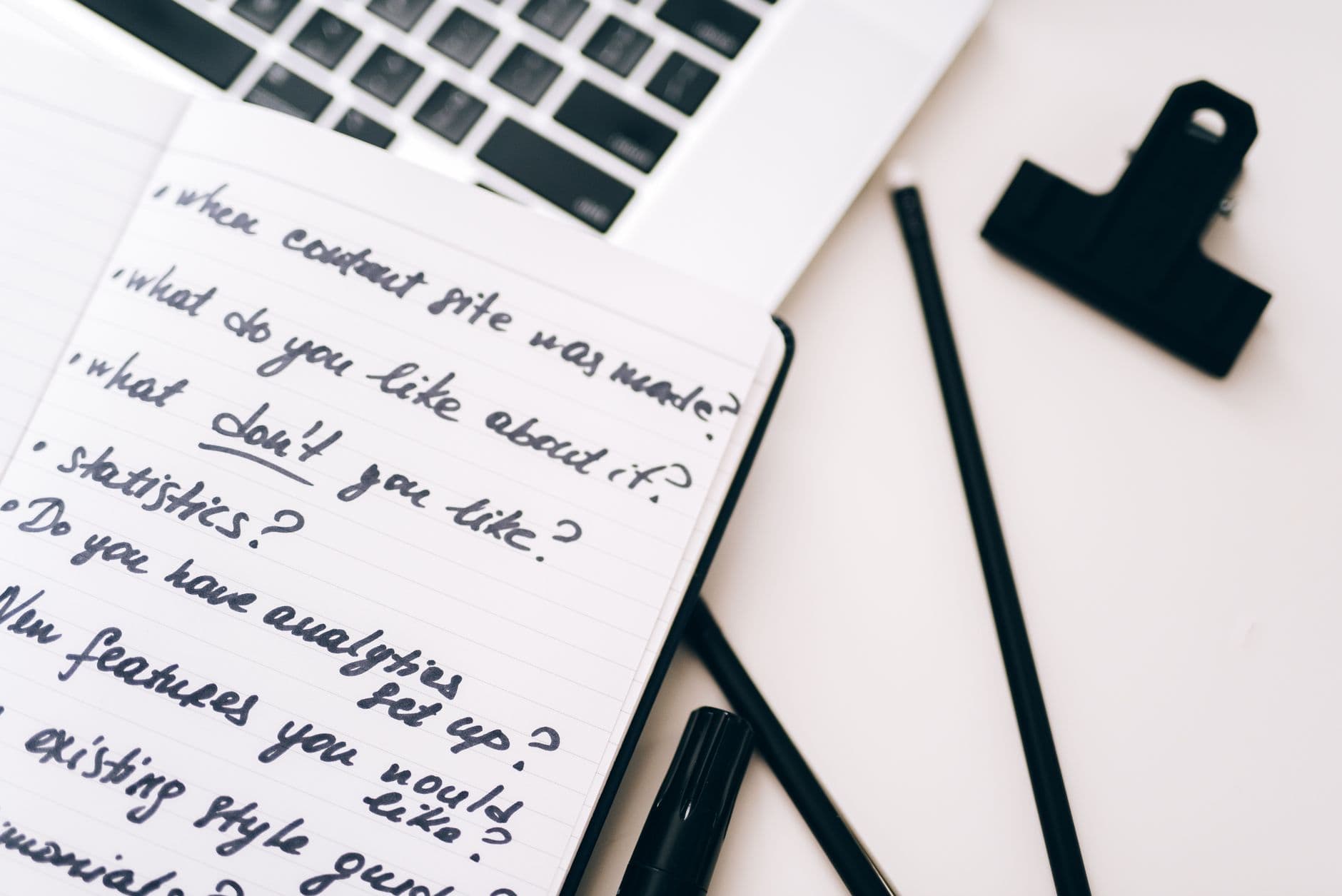
Set it up the day you book it
Not the night before. The moment the time is confirmed, while you still have the email open and the details in front of you.
Create the reminder at the interview time
Give it a title that names the company and the stage, so that at a glance you know which of three processes this is. Set the category to Work.
Stack a 1-hour and a 10-minute pre-alarm
The hour is for stopping. The ten minutes is for sitting down. Both are separate rings from the reminder itself, so the two of them plus the reminder give you three chances at attention.
Paste the link and the names into the detail page
Do it now, while the email is open. The detail page autosaves, so there is nothing to remember to save, and tomorrow it is one tap from the thing that is ringing at you.
Set the delivery to Important
The alarm first, and if you do not acknowledge it, the in-app call follows — a full-screen ring you look at before you dismiss. Both are free and neither uses credits.
Add a separate preparation reminder the evening before
Twenty minutes, on a plain alarm, to reread the advert and the notes. Preparation that is not on a list does not happen, no matter how much you intend it.
How loud this one should be
Most of your week belongs on a plain alarm. An interview is one of the two or three things in a month that earns more than that.
- notif_type 1
Regular
A real alarm at the exact minute. Right for the preparation slot the evening before, and for the reminder to leave the house if you are travelling.
- notif_type 2
App Call
The phone rings full screen, like an incoming call, inside Timelee. Marked Recommended in the app. You read a ringing screen; you swipe a banner.
- notif_type 3Recommended
Important
The alarm, then the in-app call if the alarm goes unacknowledged. This is the right rung for the interview itself: two attempts, no credits.
- notif_type 5Premium · uses credits
Critical
Described in the app as: "Alarm, then in-app call, then a phone call 10 min later if missed." Keep this for a final-stage interview in a different time zone, or one you are travelling to.
What the 10-minute reminder should be checking
- The link opens, and you are signed into the right account on it
- Camera, microphone and speaker all tested in the actual app they are using
- The door is shut and anyone else in the building knows
- Your notes and their job advert are open on a second screen or on paper
- Water within reach, phone on silent and face-down but not in another room
- The recruiter's number to hand, in case the call does not connect
Set the next one up properly, with both pre-alarms
Sign in with Google, create the reminder while the confirmation email is still open, and put the link on it before you close the tab.
Keep reading
- Pre-alarm remindersA warning shot an hour before the thing itself.
- App call remindersA full-screen ring you read before dismissing.
- Notes and detail pagesThe link, the names and your questions, on the reminder.
- RecruitersThe same interview, from the other side of it.
- How Timelee reaches youThree rungs, and when each is the right one.