
Capture
Type the whole reminder in one line
The thought arrives in the middle of something else and survives about four seconds. If capturing it means opening a form and filling in five fields, it does not get captured — it gets postponed, and then lost.

What a form costs you
The form is not badly designed. It is simply in the wrong place in the sequence, and these are the three things that follow from that.
You stop capturing at all
Six fields between the thought and the saved item is enough to make you decide you will remember it. You will not, and you know that while you are deciding it.
Everything lands unsorted
When adding metadata is a second step, it becomes a step you do later, which means never. The list grows into one flat pile with no category and no priority anywhere in it.
You lose the thread you were on
The form takes over the screen. By the time you come back, the thing you were actually doing has moved on without you, and capturing cost you more than the item was worth.
The whole syntax, in three characters
Type the task or reminder as a sentence and put the structure inside the sentence. Timelee pulls the markers out as you type and leaves you the clean title.
!high sets the priority
Priority goes in as an exclamation mark and a level. It is the marker you will use most, because urgency is the thing you know at the moment of capture and forget by the evening.
#tag adds a tag
A hash and a word. #bills, #q3, #mum, #van. Tags are yours, free text and disposable, and they cut across categories so one item can belong to two things at once.
@work files it in a category
An at sign and the category name. Work, Personal, Meeting, Grocery, Home, Office, Shopping, or any category you have made.
Press enter
The item is saved, sorted and filed, and the input is ready for the next one. You have not left the screen you were on.
What it looks like in practice
- Chase the second invoice !high #bills @work — urgent, tagged for billing, filed under work
- Book the van service #van @work — no priority set, so it sits with the ordinary things
- Ring mum back !medium #mum @personal — out of the work list entirely
- Order the replacement filter @home #boiler — two markers, one line, no form
- Draft the tribunal response !urgent @work — the one you will promote to a louder channel later
- Milk, bread, coffee @grocery — a capture you will turn into a proper list when you are not walking
Capture now, shape later
Quick add deliberately does not try to be the whole form. There is no way to type a delivery channel, a repeat rule or a pre-alarm into one line, and that is the design rather than a gap — the point of quick add is that capture never stalls.
So the sequence is two-stage. Get it out of your head in one line, with enough structure that it lands in the right part of the list. Then, when you are at a natural stopping point, open the ones that need a date, an escalation or a set of steps and give them the rest. The items that need nothing more stay exactly as you typed them, which is most of them.
- One line, one keystroke, no screen change
- Priority, tag and category parsed out of the text
- Anything else is added later, on the items that need it
- The clean title is what ends up on the reminder
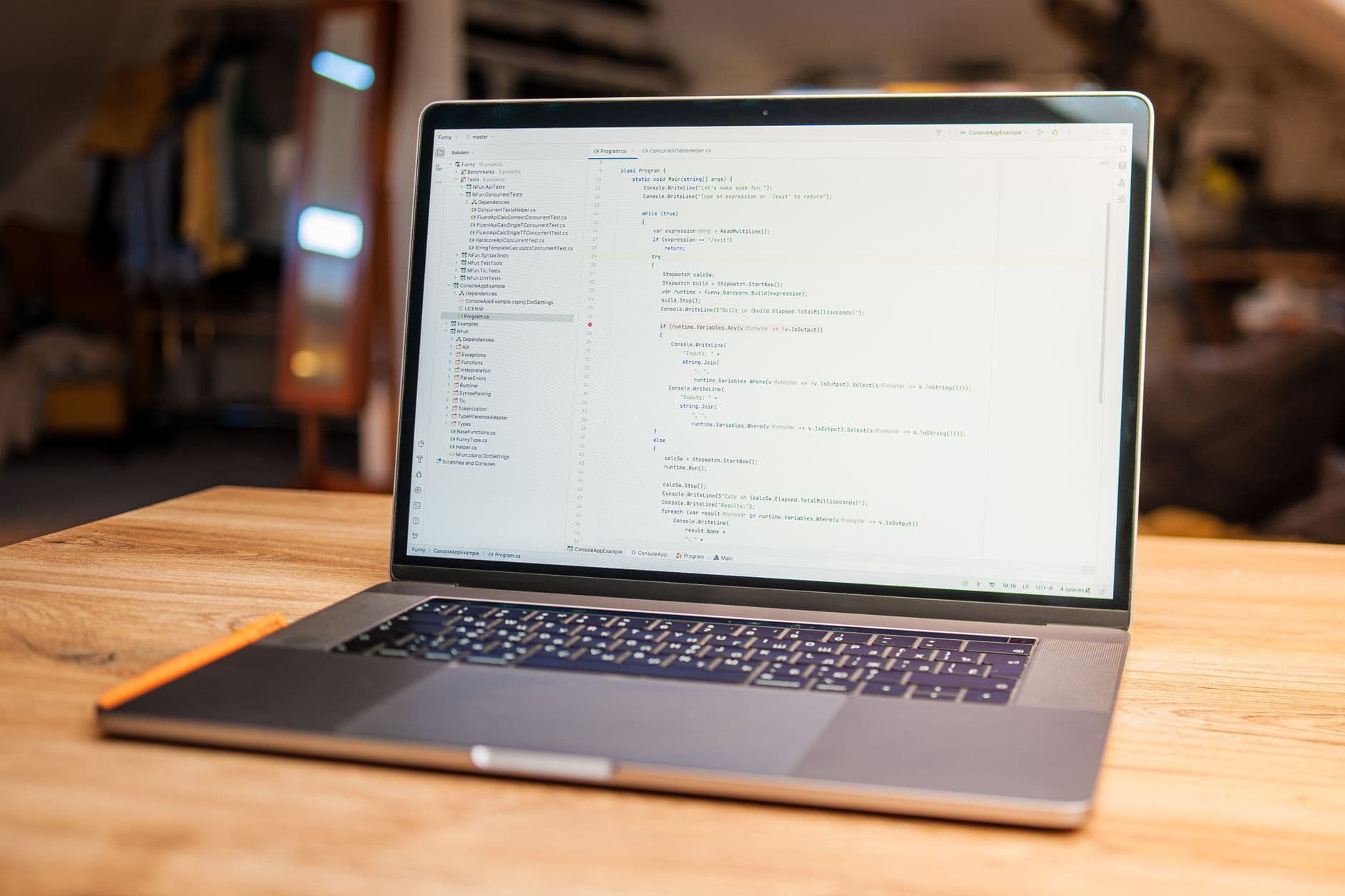
A typing feature, so it lives where the keyboard is
Quick add is part of the Timelee web dashboard, because a one-line syntax only pays for itself when you can type it faster than you can tap a form. Everything you add this way is ordinary Timelee data: it is on your phone by the time you look, and the phone is what rings for anything you later give a time to.
What each marker connects to
The three characters are shortcuts into features that have a whole page of their own. This is what you are actually setting.
Priority
Four levels, and a second view of the dashboard that regroups the same reminders into First, Then and Later rather than by date.
Tags
Free-text labels that cut across everything, so you can pull out one project or one person from the whole list at once.
Categories
Seven built in and as many of your own as you want, each with a colour, each re-counting the day buckets when you filter to it.
The run that empties it again
Fast capture builds a list quickly. Focus mode is the other half — one item at a time, cleared with a keypress.
Capture the next thought before it goes
One line, three markers, enter. Come back and add the time and the delivery to the few that need it.